Short answer: Hostinger can be cheaper on the initial long-term offer shown on its US pricing page, while Bluehost offers a familiar WordPress-focused hosting path and a free site migration tool on the listed plans. The better choice depends on renewal cost, the plan’s current resource limits, backup needs, support options and how long you are willing to prepay. Neither introductory rate is the complete long-term cost.
This comparison uses the providers’ US public pricing and support pages checked on October 15, 2026. Prices, plan names and included features vary by region, term and offer. We have not run independent performance or uptime benchmarks, and this article does not claim first-hand testing.
Hostinger vs Bluehost: quick comparison
| Factor | Hostinger | Bluehost |
|---|---|---|
| Current entry offer checked | Premium: US$2.99/month displayed for a 48-month term; US$143.52 paid upfront | Starter: US$3.99/month displayed for a 36-month term |
| Listed renewal | Premium renews at US$10.99/month on the pricing page checked | Starter renews at US$9.99/month for the 36-month term; shorter renewal terms cost more |
| Storage / sites | Premium currently lists 3 websites and 20 GB SSD storage | Starter currently lists 10 websites and 10 GB NVMe storage |
| Backups | Premium lists weekly backups; higher plans list daily backups | Starter lists weekly backups; check the selected plan and current backup terms |
| WordPress setup | WordPress hosting, migration and setup tools are included in the current offer | Managed WordPress setup and site migration tools are listed |
| Best fit | Price-conscious beginners who are comfortable choosing a longer prepaid term | Users who prefer Bluehost’s WordPress-oriented setup, support options and migration tools |
These are the public US offer terms visible on the date above, before applicable taxes. Both companies can change offers. Confirm checkout totals and renewal terms for your location before paying.
Pricing and renewal cost
Hostinger’s US pricing page lists Premium at US$2.99 per month when paid as US$143.52 upfront for 48 months, then renewing at US$10.99 per month. Bluehost lists Starter at US$3.99 per month for a 36-month term, then US$9.99 per month on a 36-month renewal. Bluehost’s renewal page lists higher monthly-equivalent rates for monthly or 12-month renewals. The upfront commitment and term are different, so the headline rates are not a like-for-like monthly subscription comparison.
Before buying, compare the amount charged today, renewal amount, renewal duration, taxes, domain renewal and any email or security add-ons you actually need. Hostinger says renewal prices are shown in the customer’s billing area; Bluehost likewise directs customers to its renewal center for current account-specific pricing.
WordPress setup, migration and usability
Both providers offer WordPress hosting tools and migration options. Bluehost’s Starter page lists a free site migration tool. Hostinger advertises a free migration service and WordPress support on its public pricing page. Eligibility and migration steps can vary, so check whether your site type is covered and keep a complete backup before any move. Our WordPress migration guide explains other ways to plan a transfer.
Both are aimed at customers who want a managed hosting dashboard rather than configuring a raw server. The interface that feels easier is personal; review the current onboarding and support options rather than relying on generalized claims about beginner-friendliness.
Performance, storage and backups
Plan specifications are not independent performance results. Bluehost’s current Starter page lists 10 GB NVMe storage and an estimated monthly-visit capacity; Hostinger’s Premium page lists 20 GB SSD storage and specific resource limits in its plan comparison. The providers’ labels and capacity estimates are not directly comparable, and actual speed depends on the site, traffic, theme, plugins, caching and server location. We did not benchmark either service.
Backups also differ by plan. The current Hostinger pricing page lists weekly backups on Premium and daily backups on higher tiers; Bluehost lists weekly backups on Starter. Verify backup frequency, retention and restore terms for the exact plan you choose, and maintain your own separate backup.
Email, support and scaling
Hostinger’s displayed Premium plan includes a limited number of mailboxes per website for the first year; terms can differ by plan and renewal. Bluehost’s current Starter plan does not include phone support, while its public page lists 24/7 chat support. Check current support channels and email renewal costs if these matter to your business.
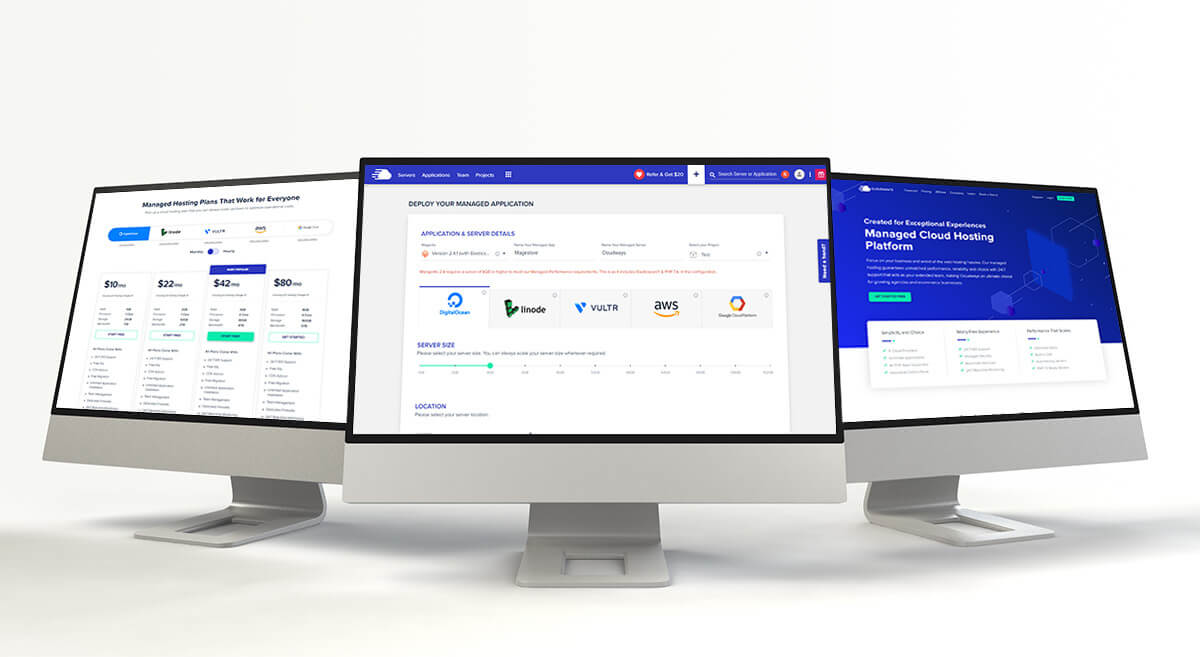
Both providers offer upgrade paths, but the storage, site, resource and backup limits depend on the plan. If you expect a growing store or high traffic, compare the next tier’s renewal pricing and consider whether managed cloud hosting could be a better fit; see our Cloudways hosting overview and Cloudways for ecommerce overview.
Which host should you choose?
Choose Hostinger if the current plan’s resource limits fit your site, the long prepaid term works for your budget, and the renewal cost remains acceptable. Its currently listed Premium plan offers more storage than Bluehost Starter in the US comparison, but fewer included websites.
Choose Bluehost if its WordPress tools, migration option or support setup better matches your needs, and you are comfortable with the upfront and renewal terms. Its current Starter plan lists more websites but less storage than Hostinger Premium.
Consider neither entry plan if you need daily backups, staging, specialized ecommerce capacity or support guarantees not included in the exact tier. Compare higher plans and renewal costs rather than purchasing based only on the lowest displayed price.
Frequently asked questions
Is Hostinger cheaper than Bluehost?
The Hostinger Premium offer checked here has a lower advertised introductory monthly equivalent but requires 48 months paid upfront. Bluehost Starter has a 36-month introductory term and a slightly lower listed 36-month renewal. Compare total prepaid and renewal amounts for your country and plan term.
Which has better performance?
We have not run comparable benchmarks, so we cannot name a performance winner. Plan specifications alone do not predict your site’s actual speed. Test a representative site and compare server location, caching, resource limits and backup options.
Can I migrate WordPress to either host?
Both advertise migration help or tools, but terms and eligibility can vary. Confirm support for your specific site and retain a separate backup. See our step-by-step migration resources.